Documentation
Learn Orivon, use it, build on it.
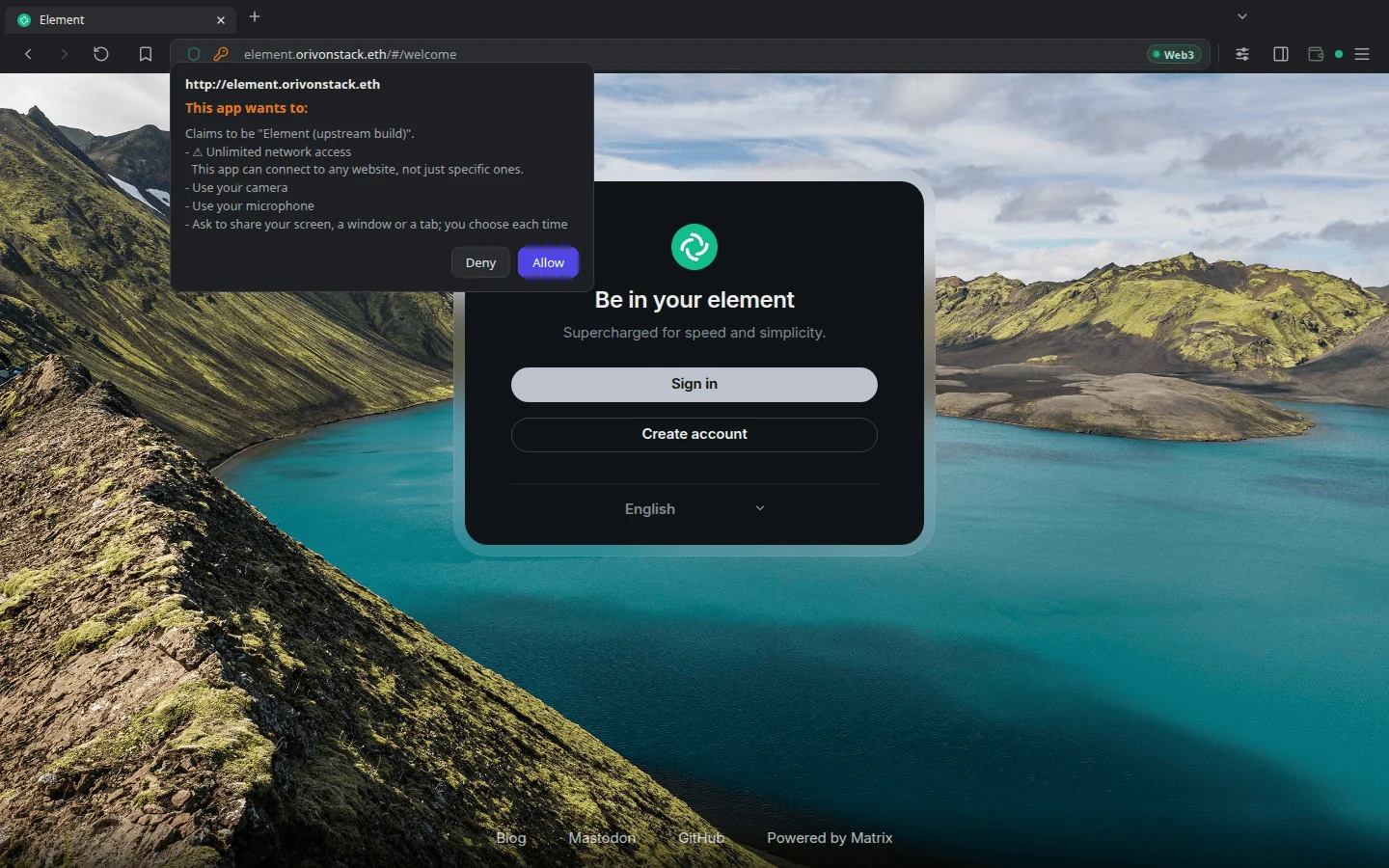
Orivon is a browser built for owning: apps open from a link, ask for what they need in plain words, and run with names and content verified on your machine. These pages explain how it works and how to build for it.
What Orivon is, how to install it, and your first app.
Apps, permissions, verified names, the Web3 Score and your data.
A web frontend and a manifest, the capability API, and porting.
Where Orivon is going, and how to take part.
How Orivon works
From a link to a running app in four steps. Each one has its own page.
- 1Open a name
Type a .eth name or follow a link. The app is an ordinary web page at an address.
- 2It is proven
A light client on your machine checks the name, and every block is hashed against its CID.
- 3You decide, once
The app lists what it needs. You read it in plain words and choose.
- 4It runs
Upstream code, in your tab, holding only what you granted. Next time, from your disk.